
Andere Kunden interessierten sich auch für
 Microsoft Office for Beginners28,99 €
 The Complete Microsoft 365 and Copilot Handbook - Volume II27,99 €
 Seguins Computer Concepts & Applications for Microsoft Office 365, 2019223,99 €
![Practical Microsoft Office 2013 [With CDROM]]( "Practical Microsoft Office 2013 [With CDROM]") Practical Microsoft Office 2013 [With CDROM]113,99 €
Practical Microsoft Office 2013 [With CDROM]113,99 € Shelly Cashman Series Microsoft Office 365 & Publisher 2019 Comprehensive226,99 €
 Microsoft Office 36542,99 €
 Microsoft Office 365 Non-Tech Savvy Bible20,99 €
![Practical Microsoft Office 2013 [With CDROM]](https://bilder.buecher.de/produkte/62/62546/62546612m.jpg "Practical Microsoft Office 2013 [With CDROM]")


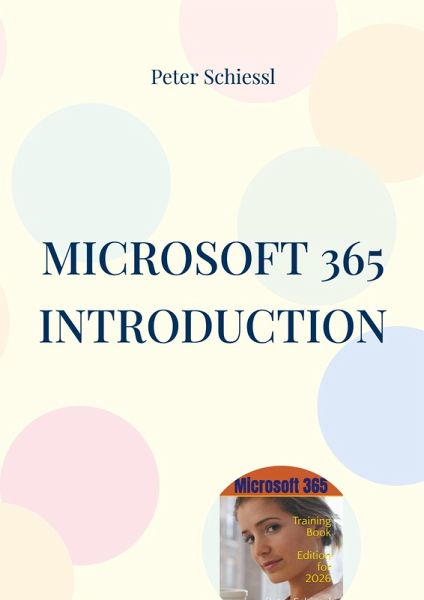
Microsoft 365 - Training Book with Exercises - Edition for 2026 Getting Started with Word, Excel, PowerPoint, and Outlook Office software suites are not only essential tools in today's professional world, but also offer a wide range of personal uses. Here, we explain the fundamentals of Microsoft's Office suite, the quintessential classic. Microsoft 365 is the online version, which Microsoft now offers not under the name Office + year, but as Microsoft 365. This book was last updated in early 2026 for the year 2026. The following programs are described in this book: MS Word - Writing and saving simple texts, - Formatting documents attractively, - Font and paragraph settings, - Review of Windows basics such as window management, folders, views, etc., - Further practice texts. MS Excel - First spreadsheet, basics of rows and columns, - correcting, copying, and moving, - Entering and adjusting basic calculations, - Excel special features: relative copying, displaying values, proxies, - Further exercises. MS PowerPoint - Entering text into text boxes, - creating and setting up slides, slide layout, - Text boxes with borders and fills, slide background, - AutoShapes, tables, tabs. MS Outlook - Installation and first launch, - Overview of MS Outlook, - Writing, sending, and receiving your first email, - Follow-up options, - Warning about phishing emails, - Calendar, contacts, tasks. Those with no prior experience with these programs will find a comprehensive introduction here. Afterward, a thorough understanding of the full functionality of these programs is easier with our detailed books on the respective programs. Search for "manual schiessl" on Amazon and you will find our other titles, e.g. on MS Excel, MS PowerPoint, MS Word (three volumes and a special volume on mail merge), CorelDRAW, CorelDRAW Advanced Volume, Corel Photo-Paint, the range is constantly being expanded.